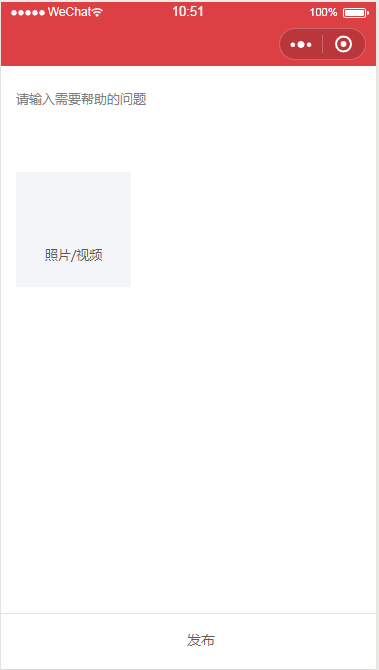
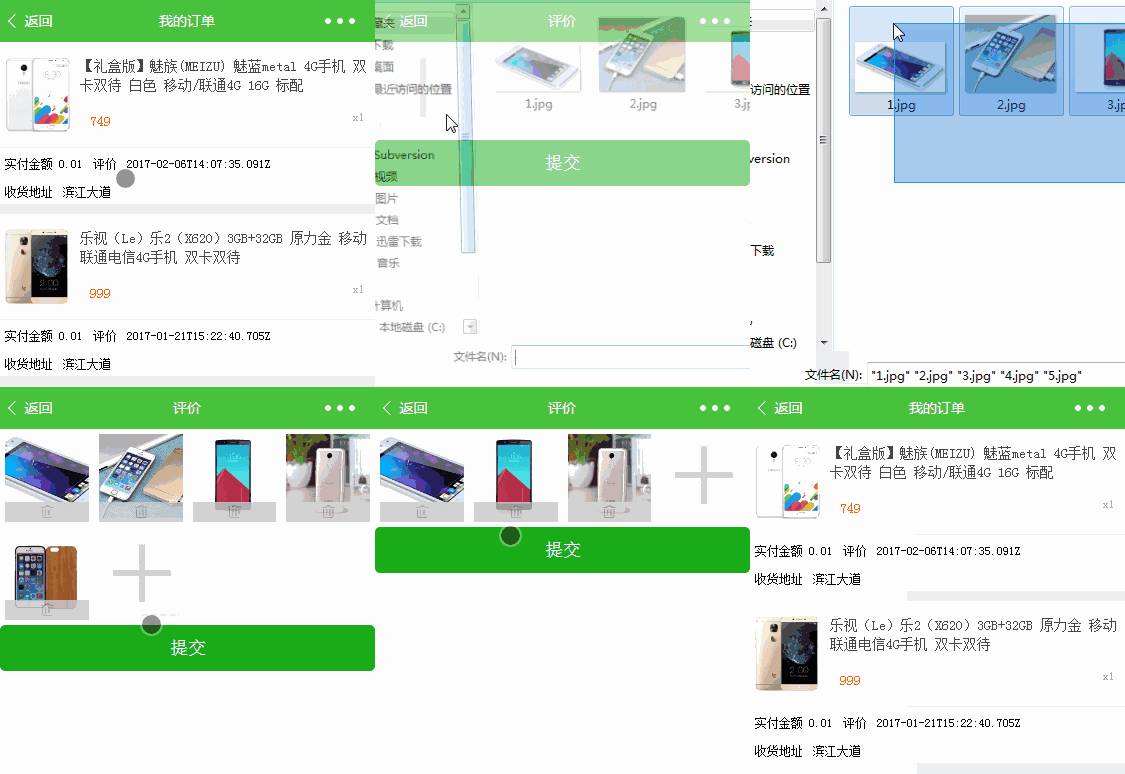
大概思路流程:
1.保存images数组为已选择图片
<view class="gallery">
    <view class="item" wx:for="{{images}}" wx:key="">
        <image style="width: {{imageWidth}}px; height: {{imageWidth}}px" src=" {{item}}" bindtap="previewImage" mode="aspectFill" />
        <!-- 删除按钮 -->
        <view class="delete" bindtap="delete" data-index="{{index}}"><image style="left: {{imageWidth / 2 - 10}}px;" src="/images/icon_delete.png" /></view>
    </view>
    <view class="item">
        <image style="width: {{imageWidth}}px; height: {{imageWidth}}px" src="/images/icon_add.png" class="button-upload" bindtap="chooseImage" />
    </view></view><button type="primary" bindtap="submit">提交</button>
|
const AV = require('../../../utils/av-weapp.js')var that;
Page({    data: {        images: [],        uploadedImages: [],        imageWidth: getApp().screenWidth / 4 - 10
    },    onLoad: function (options) {
        that = this;        var objectId = options.objectId;        console.log(objectId);
    },    chooseImage: function () {        // 选择图片
        wx.chooseImage({            sizeType: ['compressed'],
            sourceType: ['album', 'camera'], // 可以指定来源是相册还是相机,默认二者都有
            success: function (res) {                // 返回选定照片的本地文件路径列表,tempFilePath可以作为img标签的src属性显示图片
                var tempFilePaths = res.tempFilePaths;                console.log(tempFilePaths);
                that.setData({                    images: that.data.images.concat(tempFilePaths)
                });
            }
        })
    },    previewImage: function () {        // 预览图集
        wx.previewImage({            urls: that.data.images
        });
    },    submit: function () {        // 提交图片,事先遍历图集数组
        that.data.images.forEach(function (tempFilePath) {            new AV.File('file-name', {                blob: {                    uri: tempFilePath,
                },
            }).save().then(                // file => console.log(file.url())
                function(file) {                    // 先读取
                    var uploadedImages = that.data.uploadedImages;
                    uploadedImages.push(file.url());                    // 再写入
                    that.setData({                        uploadedImages: uploadedImages
                    });                    console.log(uploadedImages);
                }
            ).catch(console.error);
        });
        wx.showToast({            title: '评价成功',            success: function () {
                wx.navigateBack();
            }
        });
    },    delete: function (e) {        var index = e.currentTarget.dataset.index;        var images = that.data.images;
        images.splice(index, 1);
        that.setData({            images: images
        });
    }
})
|
前端样式 wxcss:
/*画廊*/.gallery {    /*margin-bottom: 100rpx;*/
    display: flex;    justify-content: flex-start;    flex-wrap: wrap;
}/*每张图片所占容器*/.item {    position: relative;    margin: 5px;
}/*删除按钮*/.delete {    position: absolute;    height: 20px;    bottom: 0;    width: 100%;    background: #ccc;    opacity: .8;
}.delete image {    position: absolute;    width: 20px;    height: 20px;
}
|
模板简介:该模板名称为【实现微信小程序选择图片上传九宫格支持预览的问题】,大小是,文档格式为.,推荐使用打开,作品中的图片,文字等数据均可修改,图片请在作品中选中图片替换即可,文字修改直接点击文字修改即可,您也可以新增或修改作品中的内容,该模板来自用户分享,如有侵权行为请联系网站客服处理。欢迎来懒人模板【小程序教程】栏目查找您需要的精美模板。
.jpg)
.jpg)